Every YouTube URL contains an 11-character string that is the video’s permanent identity. That string - the video ID - controls embedding, API queries, thumbnail retrieval, and algorithmic tracking. Without it, nothing works. This guide shows you exactly how to find it, extract it in bulk, and use it to build faster, smarter YouTube workflows.
Find any YouTube video ID in one click - paste the URL below
What Is a YouTube Video ID?
A YouTube video ID is a unique 11-character alphanumeric string that acts as the primary database key for every video on the platform. It uses base-64 encoding, which means each character is one of 64 possible symbols: uppercase letters (A-Z), lowercase letters (a-z), digits (0-9), hyphens (-), and underscores (_).
For example, in the URL youtube.com/watch?v=aqz-KE-bpKQ, the video ID is aqz-KE-bpKQ.
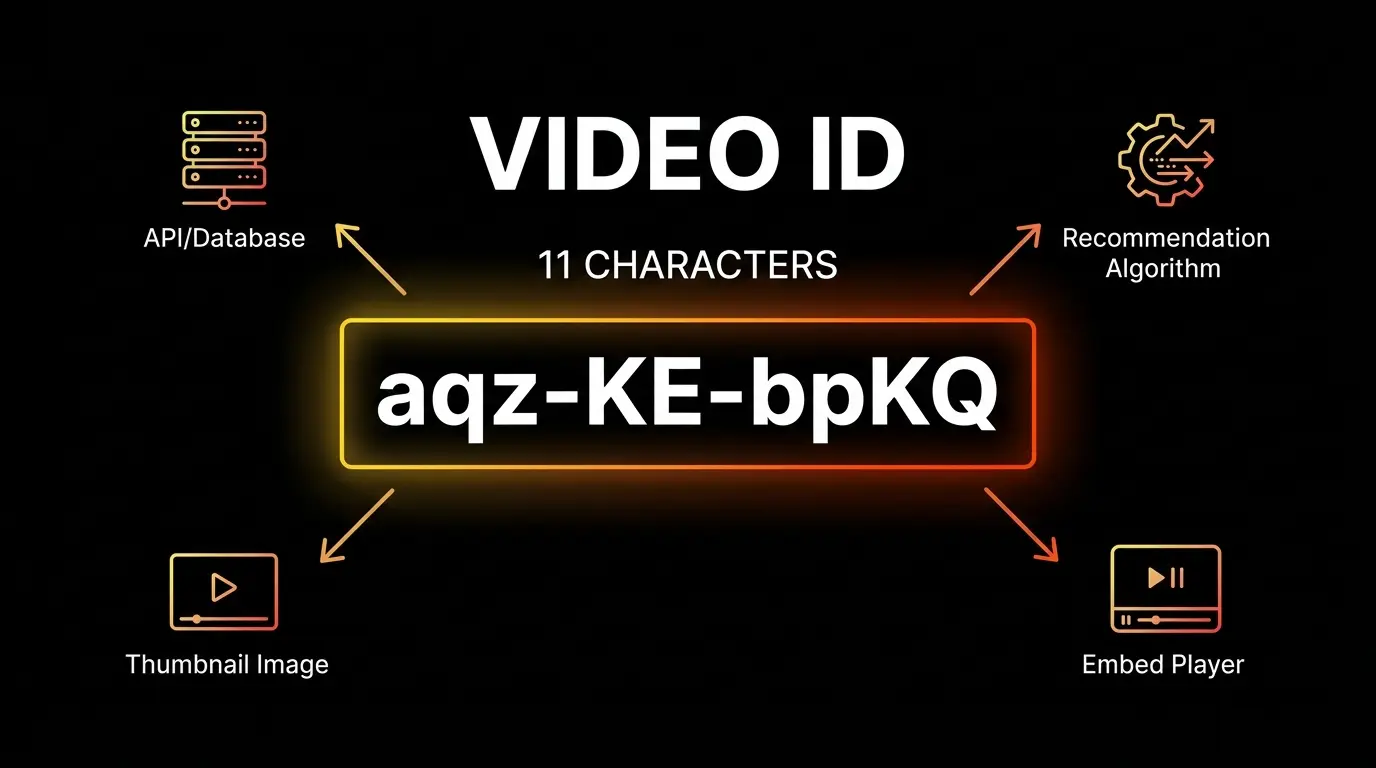
This single string governs:
- Algorithmic recommendation - how YouTube categorizes and suggests the video
- Programmatic embedding - how the iframe player loads across external sites
- API data retrieval - how developers fetch statistics, metadata, and captions
- Thumbnail delivery - how image CDNs serve preview images at multiple resolutions
With 64 possible characters across 11 positions, YouTube can generate over 73 quintillion unique IDs - enough to catalog every video ever uploaded and billions more to come.
Where to Find a YouTube Video ID (4 Methods)
The right method depends on your device and workflow. Each approach exposes the same 11-character string through a different interface.
Method 1 - Standard Desktop URL (youtube.com/watch?v=)
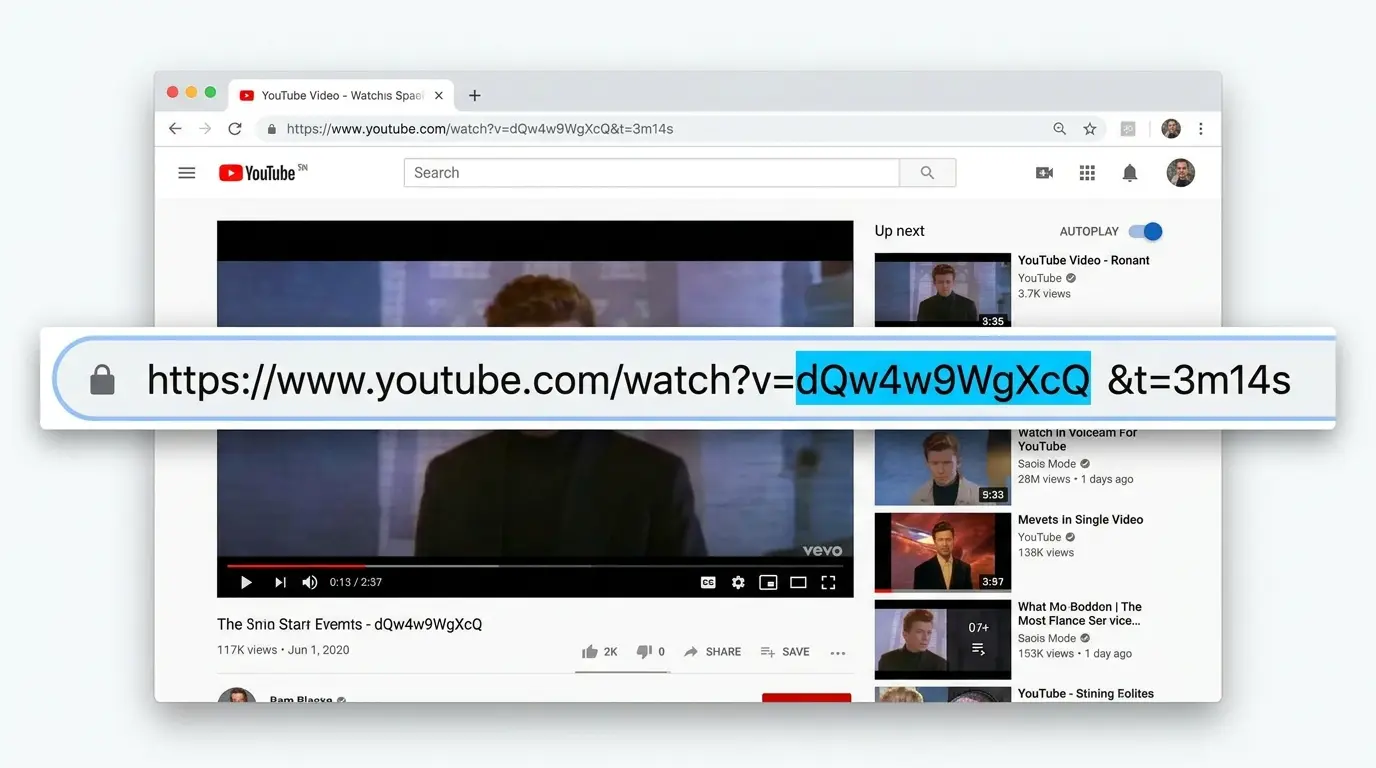
The simplest method. When you open any video in a desktop browser, the full URL appears in the address bar. The video ID follows the ?v= parameter.
Example URL:
https://www.youtube.com/watch?v=dQw4w9WgXcQ&t=3m14sThe video ID is dQw4w9WgXcQ - everything after v= and before the next & or #.
What trips people up: URLs often contain extra parameters like &t= (timestamp), &list= (playlist), or &feature=. These appear after the video ID and are not part of it. Stop capturing at the first & sign.
Method 2 - Shortened URL (youtu.be/)
YouTube’s short URL format puts the video ID directly in the path, with no v= parameter at all.
Example:
https://youtu.be/dQw4w9WgXcQThe ID is the path segment immediately after the / following the domain. If a timestamp is added, it appears as ?t=14s after the ID. The ID is everything between the final / and the ?.
The mobile YouTube app generates this format by default when you tap Share then Copy link.
Method 3 - Mobile App (Share to Clipboard)
Mobile apps do not expose the URL in an address bar. To access the video ID from a phone:
- Open the video in the YouTube app
- Tap Share below the video player
- Tap Copy link
- Paste the link into the extractor tool or any text field
The app always generates a youtu.be/ shortened URL. Once you have the link, the ID is the path segment after the final slash.
Method 4 - Stats for Nerds (Embedded Player)
For advanced debugging or when you need the ID directly from an embedded player without accessing the original URL:
- Right-click anywhere on the video player
- Select Stats for nerds from the context menu
- The video ID appears as the first item in the diagnostic overlay, alongside the sCPN session token
Note for developers: On some macOS builds of Safari and Chrome, cursor behavior over the overlay prevents text selection. In this case, use URL-based extraction instead.
How to Extract Multiple YouTube Video IDs at Once
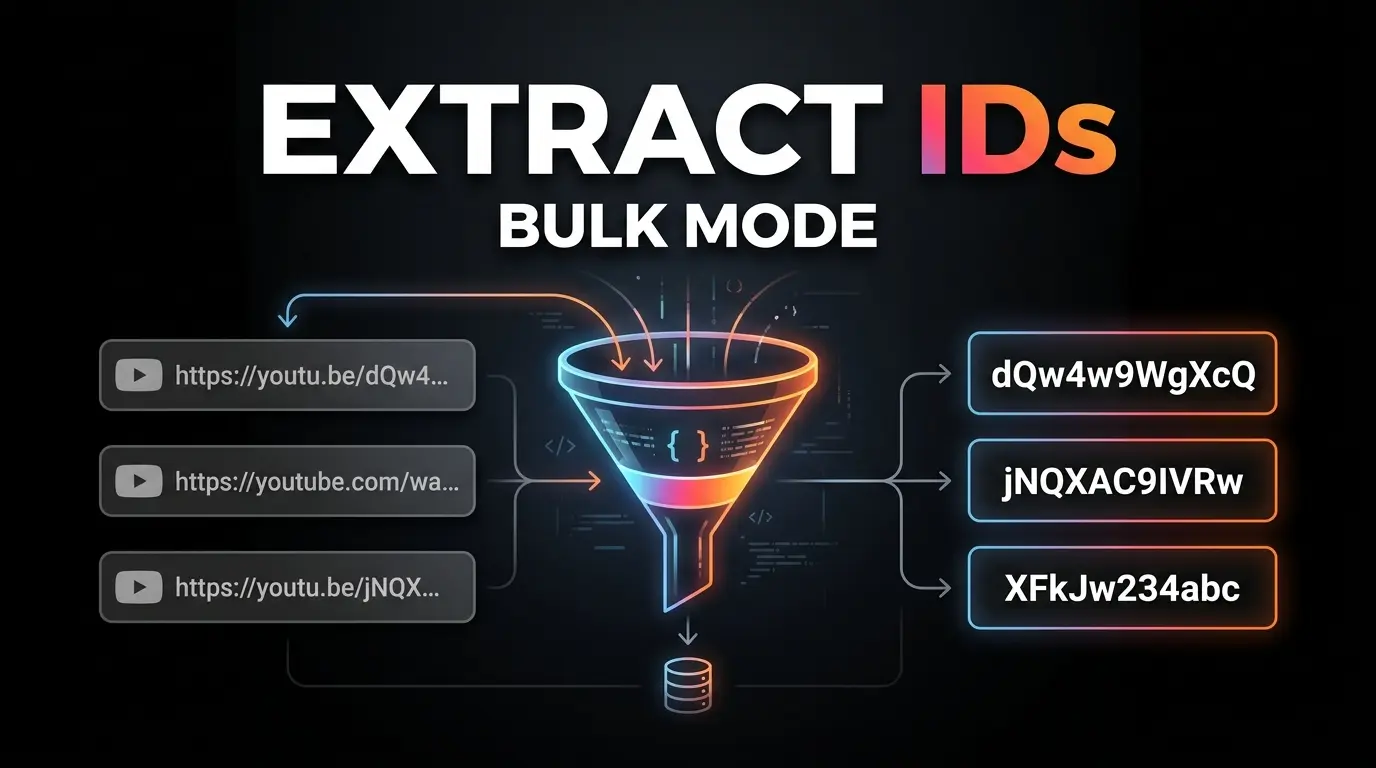
Single-video extraction works for individual lookups. For bulk operations - auditing a competitor’s channel, populating a database, or processing thousands of links - you need a programmatic approach.
The Core Regular Expression
A robust regex that handles every YouTube URL format:
/^(?:(?:https|http):\/\/)?(?:www\.)?(?:youtube\.com|youtu\.be).*?(?:\/|v\/|u\/|embed\/|shorts\/|watch\?v=)(?<id>[\w\-]{11})(?:\?|&|$)/This pattern handles:
- Standard
watch?v=links - Shortened
youtu.be/links - Embed paths (
/embed/) - Shorts URLs (
/shorts/) - Legacy API endpoints (
/v/)
The capture group (?<id>[\w\-]{11}) isolates exactly 11 characters and rejects anything shorter or longer.
Bulk Processing in JavaScript
function extractVideoId(url) {
  const regex = /(?:youtube\.com\/(?:watch\?v=|embed\/|shorts\/)|youtu\.be\/)([a-zA-Z0-9_-]{11})/;
  const match = url.match(regex);
  return match ? match[1] : null;
}

// Process an array of URLs
const urls = [
  "https://www.youtube.com/watch?v=dQw4w9WgXcQ",
  "https://youtu.be/9bZkp7q19f0",
  "https://www.youtube.com/shorts/kJQP7kiw5Fk"
];

const ids = urls.map(extractVideoId).filter(Boolean);
// ['dQw4w9WgXcQ', '9bZkp7q19f0', 'kJQP7kiw5Fk']
Always validate after extraction: check that the returned string is exactly 11 characters. Any result shorter or longer indicates a malformed URL that needs manual review.
For the fastest no-code bulk extraction, use our YouTube Video ID Extractor which processes multiple URLs simultaneously and returns clean IDs ready to copy or download.
YouTube URL Formats - Which IDs Can You Extract?
YouTube has accumulated multiple URL structures over 20 years of product changes. A professional extractor must handle all of them correctly.
| Format Type | Typical URL Structure | Extracted ID | Key Detail |
|---|---|---|---|
| Standard Video | youtube.com/watch?v=aqz-KE-bpKQ | aqz-KE-bpKQ | 11-character base-64 string. The foundational format. |
| YouTube Shorts | youtube.com/shorts/aqz-KE-bpKQ | aqz-KE-bpKQ | Identical ID; only the /shorts/ path prefix differs. |
| Shortened Link | youtu.be/aqz-KE-bpKQ | aqz-KE-bpKQ | Path-based, no query parameter. Generated by mobile app. |
| Embed URL | youtube.com/embed/aqz-KE-bpKQ | aqz-KE-bpKQ | Used in iframe src attributes across external websites. |
| Playlist | youtube.com/playlist?list=PLxyz... | PLxyz... | Variable length; starts with PL. Not an 11-char video ID. |
| Channel (ID-based) | youtube.com/channel/UCxyz... | UCxyz... | 24-character string starting with UC. Completely separate from video IDs. |
| Channel Handle | youtube.com/@channelname | @channelname | The modern handle format (2022+). Maps to the UC… channel ID on the backend. |
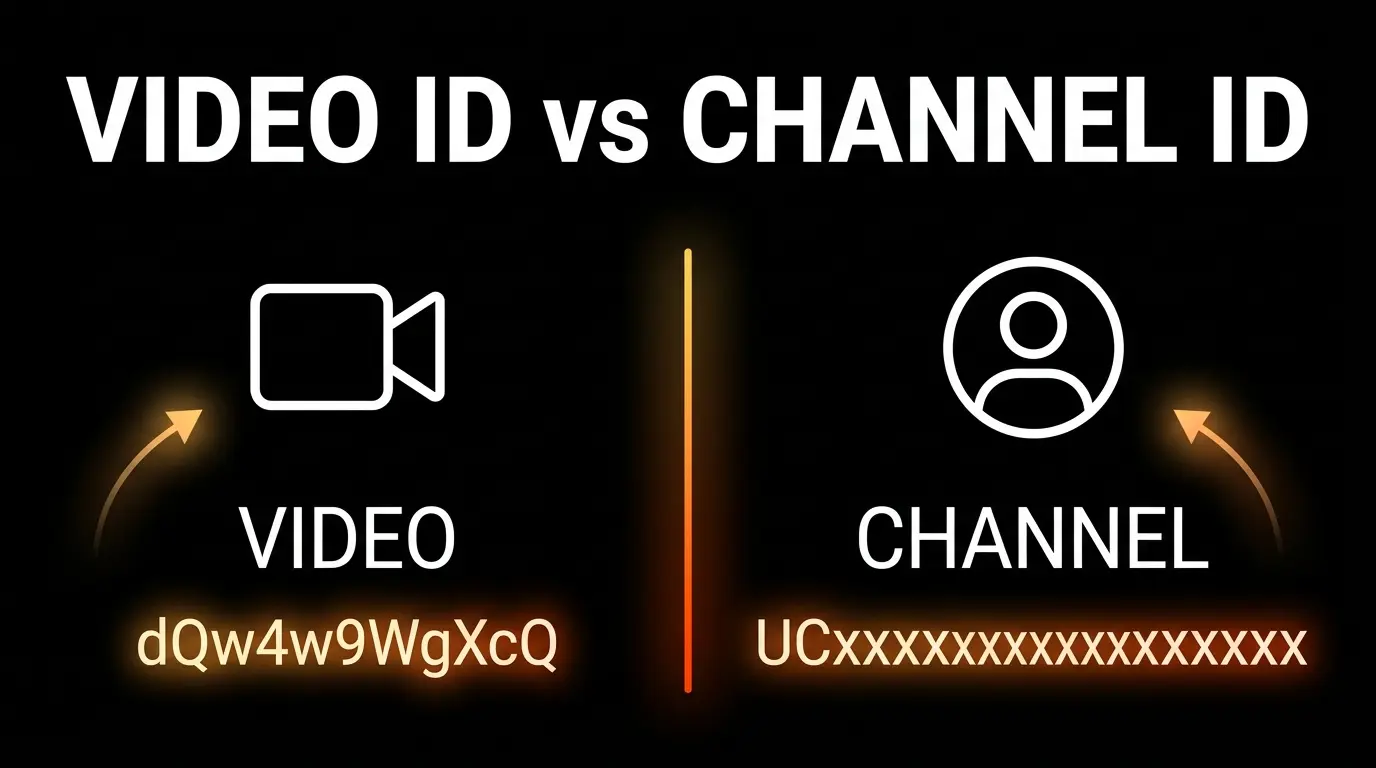
Critical distinction: Video IDs and Channel IDs are entirely different data types. A regex built for 11-character video IDs will fail to extract 24-character channel IDs. Use a dedicated Channel ID Finder for channel lookups.
For channel-level metadata and analytics, see our YouTube Keyword Research Guide which covers how channel IDs integrate into competitive analysis workflows.
What Can You Do With a YouTube Video ID?
Extracting the ID is the first step. Here is what you actually do with it.
1. Embed Videos Dynamically
Build iframe embeds without touching the original URL:
<iframe
  src="https://www.youtube.com/embed/VIDEO_ID"
  width="1280"
  height="720"
  allowfullscreen>
</iframe>
This approach strips tracking parameters, session tokens, and timestamp values that can cause embed failures. The result is a clean, reliable player that works across any CMS or web framework.
2. Query the YouTube Data API v3
The Data API requires the exact video ID as a query parameter - not a title, not a URL:
GET https://www.googleapis.com/youtube/v3/videos
  ?id=VIDEO_ID
  &part=snippet,statistics,contentDetails
  &key=YOUR_API_KEY
This returns the full metadata payload: view count, like count, duration, description, publish date, tags, category, and regional availability flags. Passing anything other than the precise 11-character ID produces unreliable results or 404 errors.
3. Retrieve Thumbnails Without API Calls
YouTube’s image CDN serves thumbnails at predictable URLs using the video ID alone - no authentication required:
| Resolution | URL Pattern | Dimensions |
|---|---|---|
| Max resolution | https://img.youtube.com/vi/VIDEO_ID/maxresdefault.jpg | 1280x720 |
| High quality | https://img.youtube.com/vi/VIDEO_ID/hqdefault.jpg | 480x360 |
| Medium quality | https://img.youtube.com/vi/VIDEO_ID/mqdefault.jpg | 320x180 |
| Standard | https://img.youtube.com/vi/VIDEO_ID/sddefault.jpg | 640x480 |
This enables automated thumbnail retrieval for newsletters, galleries, and social media cross-posting without hitting API rate limits. For full thumbnail analysis and download, use our YouTube Thumbnail Downloader.
4. Performance Monitoring and Analytics
In network performance and quality-of-service monitoring, the video ID links directly to playback telemetry. The “Stats for nerds” overlay pairs the video ID with the sCPN (session Client Playback Nonce), enabling engineers to map frame drop rates, codec performance (VP9 vs AV1), and buffer health against specific content pieces.
This is critical for ISP-level analysis, CDN optimization, and mobile app battery usage studies.
Video ID vs Channel ID - What Is the Difference?
This is the most common source of confusion for developers and marketers new to the YouTube API ecosystem.
| Property | Video ID | Channel ID |
|---|---|---|
| Length | 11 characters | 24 characters |
| Prefix | None (starts with any base-64 character) | Always starts with UC |
| Example | dQw4w9WgXcQ | UCUZHFZ9jIKrLroW8LcyJEQQ |
| What it identifies | A single video file | A creator’s entire channel |
| How to find it | From the video URL ?v= parameter | From the channel URL /channel/UC... |
| API endpoint | videos?id= | channels?id= |
| Changes over time? | Never - permanent for the video’s lifetime | Never - even if the channel is renamed |
Channel handles (@channelname) are public-facing aliases introduced in 2022. They do not replace the UC-prefixed Channel ID in the API - they are cosmetic front-end identifiers that resolve to the permanent UC… key on the backend.
To find a Channel ID from any channel URL or handle, use our dedicated YouTube Channel ID Finder.
For a deeper understanding of how these identifiers connect to YouTube’s search and recommendation algorithms, read our YouTube Tags Guide and YouTube Keyword Research Guide.
Frequently Asked Questions
Are YouTube video IDs always 11 characters? Yes. Every video published on YouTube has exactly an 11-character ID. The base-64 encoding system (64 possible characters across 11 positions) generates over 73 quintillion unique combinations - more than enough to catalog billions of videos without collision. Any extracted string shorter or longer than 11 characters is not a valid video ID.
Can I get a video ID from YouTube Shorts?
Yes. Despite the different URL path (/shorts/VIDEO_ID instead of /watch?v=VIDEO_ID), the underlying identifier is the same 11-character base-64 string. A proper extractor handles the /shorts/ path prefix the same way it handles all other path formats. Paste any Shorts URL and the extractor returns the complete ID.
How do I extract multiple video IDs at once?
Use a bulk extraction tool or write a regex-based script. The key capture group in any reliable regex is [\w\-]{11} - which matches exactly 11 word characters or hyphens. Feed your URL list through the pattern, filter results by length validation (exactly 11 characters), and you have a clean ID dataset ready for API queries or database imports.
What is the difference between a video ID and a channel ID?
A video ID is 11 characters and identifies one specific video file. A Channel ID is 24 characters, always starts with UC, and identifies the creator’s account. They are used in completely separate API endpoints. Mixing them up in API calls produces errors.
How do I embed a YouTube video using only the video ID?
Append the ID to https://www.youtube.com/embed/ and use that as the src attribute of an HTML <iframe> element. This bypasses YouTube’s standard watching interface and serves the video player directly - no tracking parameters, no autoplay surprise, clean playback.
Why does my extracted ID keep showing as invalid?
The most common causes: (1) The URL contains a playlist parameter &list= that was included in the extraction - stop at the first &. (2) The URL is a YouTube Music link, which uses different URL structures. (3) The video is a live stream with a different URL format. Use a dedicated extractor tool that handles all edge cases automatically.
Conclusion
The YouTube video ID is the smallest meaningful unit in the platform’s entire technical architecture. Master it, and you unlock programmatic embedding, unauthenticated thumbnail retrieval, full API access, and systematic bulk processing at scale.
The fastest path from any URL to a clean, usable ID is a dedicated extractor that handles every URL format automatically - from standard watch?v= links to mobile youtu.be/ shorts and embedded player paths.
Stop copying IDs manually.
→ Extract any YouTube Video ID instantly - Free
For the next step in building your YouTube SEO foundation, see how tags relate to video discovery in our YouTube Tag Extractor Guide and how to research the right keywords for your niche in our YouTube Keyword Research Guide.