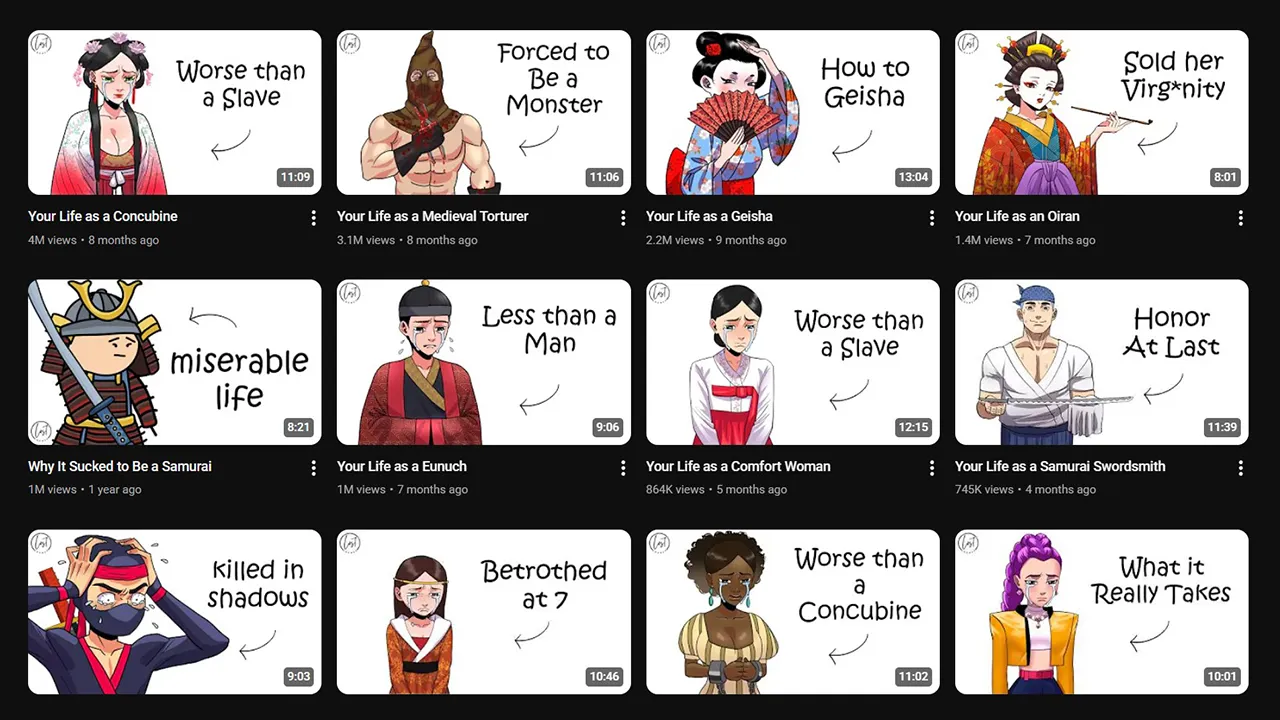
YouTube Thumbnail Preview & Tester: Test Across All Devices
Your thumbnail might look perfect on your 27-inch monitor - but how does it look on a phone screen in direct sunlight? On a 65-inch TV from 10 feet away? In YouTube’s dark mode?
After testing over 200 thumbnails across 5 different devices and both dark/light modes, we built a system that catches every visual failure before it costs you clicks. This guide shares every preview methodology we use - plus a free thumbnail tester tool that does it all in one place.
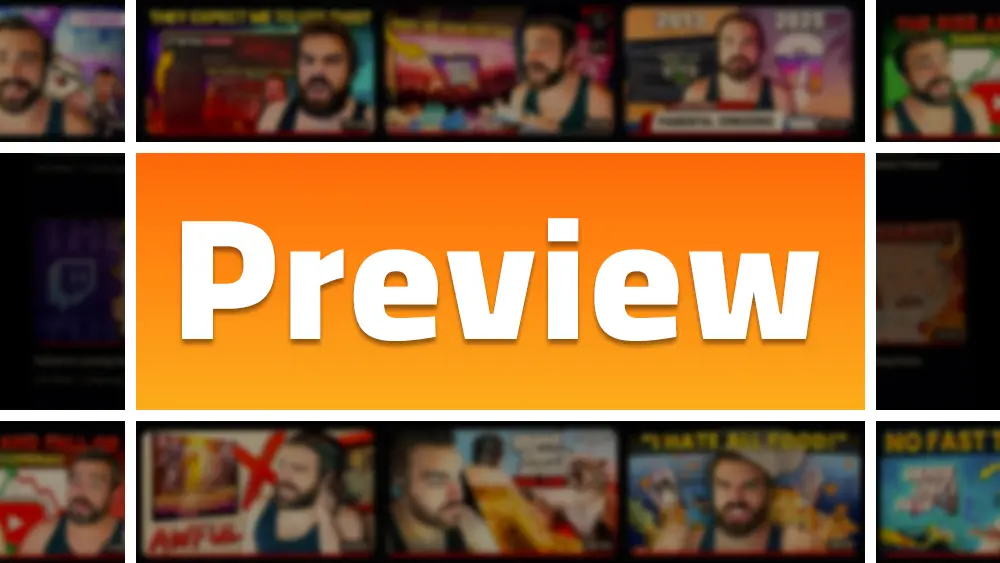 A thumbnail must survive hostile environments across every screen size
Quick link: Want to skip straight to testing? Try our Free YouTube Thumbnail Previewer - no signup, instant results.
Why Preview Is Critical
The “Digital Handshake”
The thumbnail is your 1-second negotiation with potential viewers. Research shows this decision happens in milliseconds—if the visual fails to generate curiosity, the user scrolls past.
The Stakes:
- 90% of best-performing videos use custom thumbnails
- A 2% CTR video needs double the impressions of a 4% CTR video
- Exceptional performance = 7%+ CTR in 2026
Reality Check: Your thumbnail isn’t just viewed in your design software—it’s compressed, scaled, overlaid with UI elements, and displayed in varying lighting conditions.
What Can Go Wrong
| Issue | Cause | Impact |
|---|---|---|
| Unreadable text | Too small for mobile | CTR drops 40%+ |
| Covered elements | Timestamp overlay | Key info hidden |
| Color blending | Dark mode not tested | Thumbnail “disappears” |
| Compression artifacts | Poor export settings | Looks unprofessional |
| Aspect ratio issues | Wrong dimensions | Black bars appear |
For a deep dive into the technical requirements behind these dimensions, see our YouTube Thumbnail Size Guide.
YouTube Studio Preview
Default Upload Preview
YouTube Studio provides a basic preview during upload—but it has significant limitations:
- ✅ Confirms upload success
- ✅ Shows aspect ratio compliance
- ❌ No context (competitors, interface)
- ❌ No device simulation
- ❌ No dark/light mode toggle
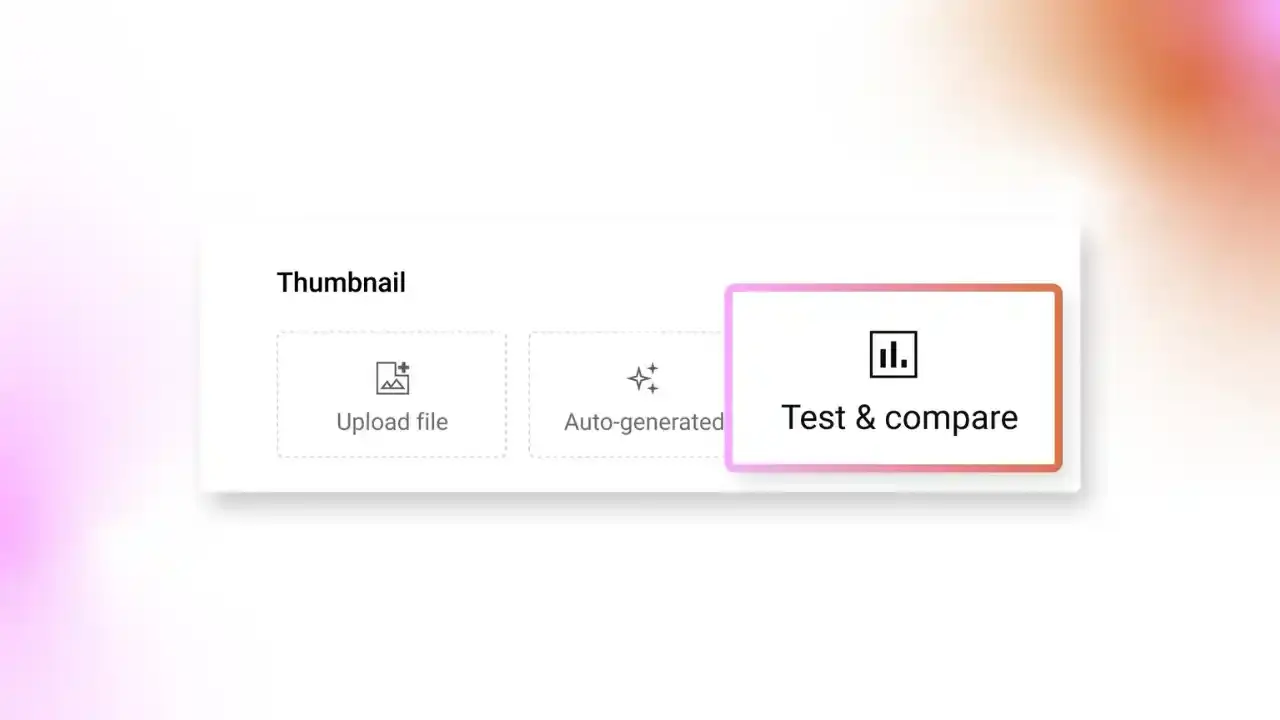
Test & Compare (Native A/B Testing)
YouTube’s built-in A/B testing is the most powerful native tool.
How to Access:
- Go to YouTube Studio → Content
- Select video → Three dots → Test & Compare
- Upload up to 3 thumbnail variants
- YouTube distributes evenly across audience
Key Metric: Watch Time Share Unlike third-party tools that focus on CTR, YouTube optimizes for Watch Time Share—the thumbnail that leads to satisfied viewers, not just clicks.
Duration: Tests run 1-2 weeks until statistical significance (requires ~400-500 views per variant).
The “Inconclusive” Result: Happens when variants are too similar. Test radically different concepts, not subtle color tweaks.
Mockup Tools (Photoshop Templates)
Safe Zone Architecture
Your thumbnail is never viewed in isolation—YouTube’s UI overlays elements that create “blind spots.”
Critical Safe Zones:
┌─────────────────────────────────┐
│ [Watch Later]              [⋮] │  ← Top corners: UI overlays
│                                 │
│                                 │
│                                 │
│                     [12:34] ──┤ │  ← Bottom-right: Timestamp
│ ▓▓▓▓▓▓▓▓▓▓▓▓▓▓▓▓▓▓▓▓▓▓▓▓▓▓▓▓▓▓│  ← Bottom: Progress bar
└─────────────────────────────────┘
Photoshop Setup:
- Create 1920×1080 canvas (export as 1280×720)
- Add transparent overlay layers marking:
- Bottom-right timestamp area (15-20% width)
- Top-right hover buttons
- Bottom 10px for progress bar
- Toggle overlays during design
Canva Templates
Canva offers pre-built YouTube thumbnail templates with safe zone guides—democratizing professional workflow for non-designers.
Free YouTube Thumbnail Tester: The Best Preview Tool Online
Forget juggling multiple browser extensions and paid tools. We built the ultimate free YT thumbnail tester that does everything in one place - and it’s completely free, forever.
YouTube Thumbnail Previewer - Free Tool
Why Our Tool Is Different:
| Feature | Other Tools | Touhfa Previewer |
|---|---|---|
| Price | $9-49/month | ✅ Free Forever |
| Device Views | Limited | ✅ Desktop, Mobile, Search |
| Dark/Light Mode | Some | ✅ Full Toggle |
| Competitor Context | Paid only | ✅ See against real videos |
| No Account Required | ❌ | ✅ Instant use |
What You Can Do
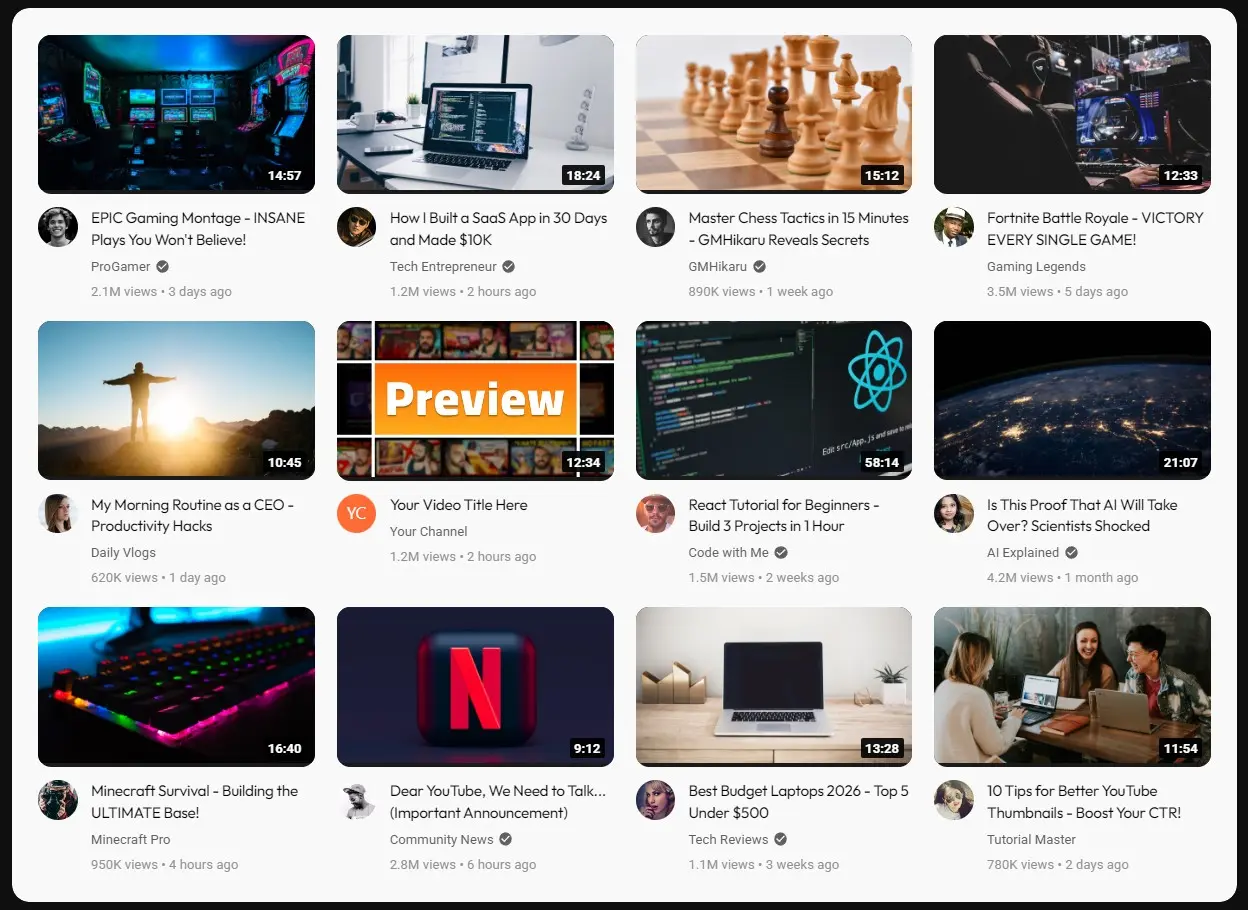
🎯 Desktop Grid View - See your thumbnail in a realistic 3×3 YouTube grid 📱 Mobile Preview - Test how it looks on phone screens 🔍 Search Results View - Preview in search context 🌙 Dark/Light Mode Toggle - Test both interfaces ⚡ Instant Upload - Drag and drop, see results immediately 🆚 Competitor Comparison - Your thumbnail surrounded by real YouTube videos
Pro Tip: Upload your thumbnail, enter your title, and switch between Desktop/Mobile/Search views. If your thumbnail doesn’t stand out in the grid, go back and redesign.
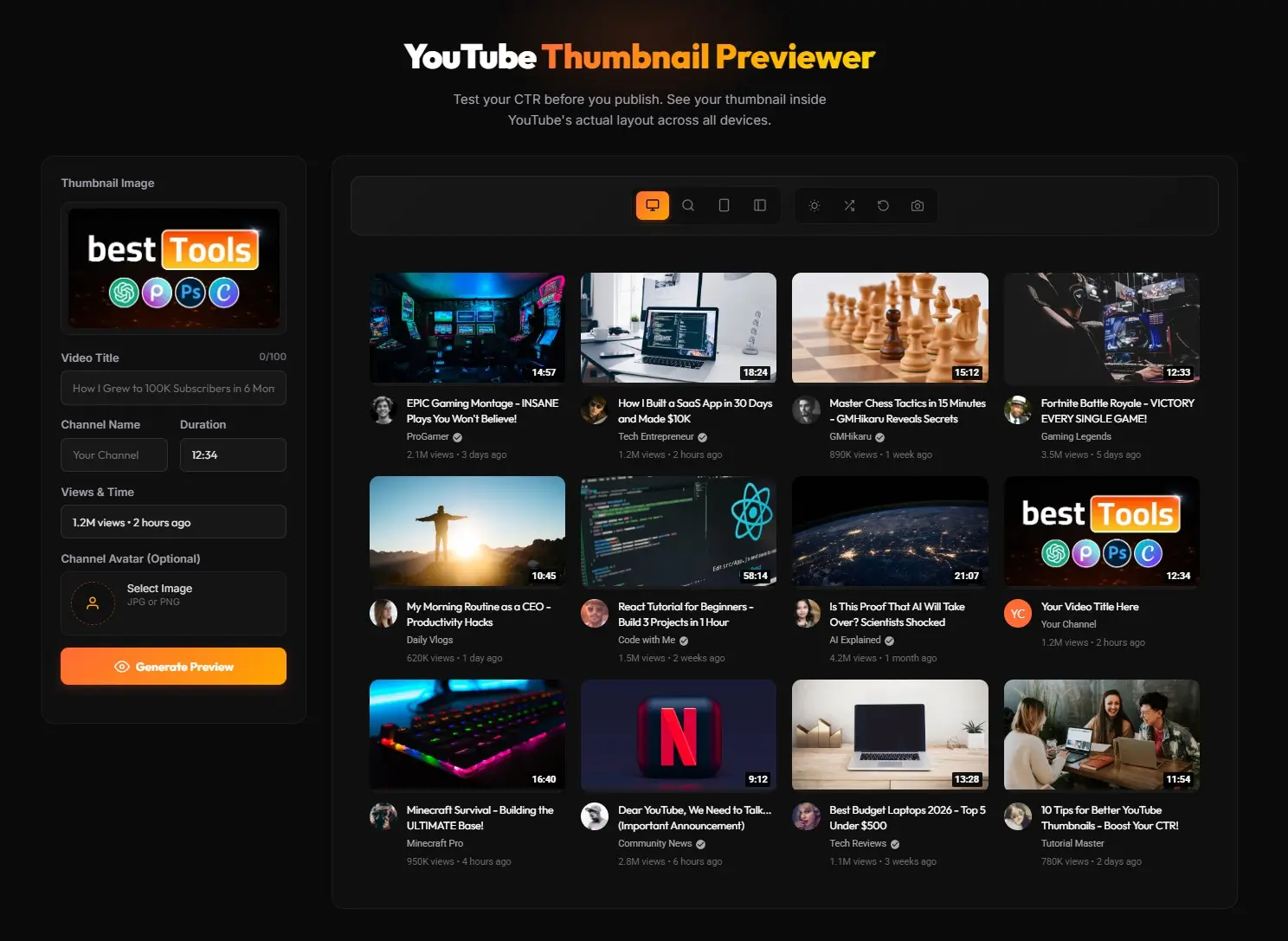 Caption: Our free tool shows exactly how your thumbnail performs in context
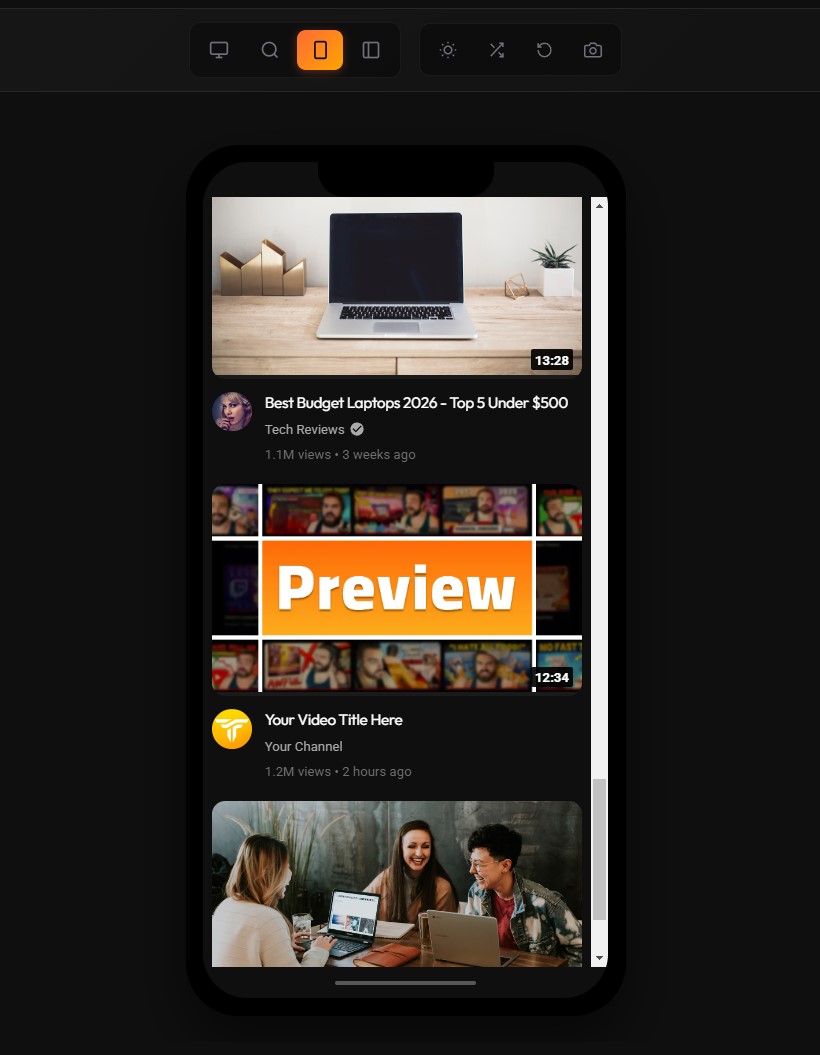
Mobile Testing (iPhone, Android)
Why Mobile Matters Most
60%+ of YouTube views come from mobile devices. A thumbnail optimized for desktop but failing on mobile loses the majority of potential viewers.
Home Feed vs. Suggested
| Context | Size | Visibility |
|---|---|---|
| Home Feed | Full width | High, but auto-play kicks in |
| Suggested | Micro-scale | Very small, details vanish |
The Readability Threshold
Minimum font size: 75+ points (on 720p canvas) for mobile legibility.
The Squint Test: Zoom canvas to 10-15%—if you can’t identify the subject, the design fails.
Testing Methods
- Touhfa Thumbnail Previewer (recommended - free + mobile view)
- Export and view on actual devices (most accurate)
- Use Chrome DevTools device emulation (technical)
Dark Mode vs. Light Mode
The Critical Difference
YouTube’s Dark Mode (#212121) fundamentally changes how colors are perceived.
| Mode | Background | Best Text Colors |
|---|---|---|
| Light | White | Black, Navy, Dark colors |
| Dark | #212121 (Dark gray) | White, Yellow, Neon colors |
Common Failures
❌ Dark backgrounds blend into Dark Mode - Thumbnail “disappears” ❌ Transparent PNGs with no stroke - Subject loses definition ❌ Low-contrast text - Unreadable in one mode or the other
The Solution
- Test on neutral gray (#808080) during design
- Add white stroke or outer glow to separate from dark backgrounds
- Use high-contrast colors that work in both modes
- Use our Thumbnail Previewer to toggle between modes instantly
Context Previews
Search Results
User Intent: Looking for specific answer. Strategy: Pattern interruption—if competitors use blue, use yellow. Clarity and authority matter. Tool: Touhfa Previewer - Search View
Homepage (Browse Features)
User Intent: Discovery mode, rapid scrolling. Strategy: Broad appeal, high curiosity. Must explain premise without text. Tool: Touhfa Previewer - Desktop Grid View
Suggested Videos (Sidebar)
User Intent: Already watching, looking for “next” video. Strategy: Extreme simplicity—one face, one object. Complex details vanish at this scale. Tool: Touhfa Previewer - Mobile View
TV Interface
User Intent: Lean-back viewing, 10 feet away. Strategy: Billboard-level boldness, high contrast, minimal text. Consideration: Compression artifacts visible on 65-inch 4K screens.
Text Readability Checks
The Rules
| Rule | Recommendation |
|---|---|
| Word Count | 3 words or fewer |
| Font Size | 75pt+ on 720p canvas |
| Font Type | Bold sans-serif only |
| Contrast | Stroke or shadow required |
Best Fonts for Thumbnails
- Bebas Neue - Industry standard, compact
- Impact - Classic, maximum legibility
- Montserrat Black - Modern, professional
- Roboto - YouTube’s native font
Testing Text
- Zoom canvas to 10%
- Can you read it instantly?
- Does it work in both light/dark mode?
- Is it covered by any UI overlays?
Feedback Gathering Methods
Quantitative (Data)
- CTR benchmarks: Establish your baseline (4% might be good for your niche)
- Retention correlation: High CTR + low retention = clickbait (bad)
- Test & Compare results: Let YouTube’s algorithm decide
Qualitative (Community)
Platforms:
- Reddit: r/NewTubers, r/SmallYTChannel
- Discord: Thumbnails 101, creator communities
- Twitter/X: Creator quote tweets
Method: Post 2 variations, ask “Which would you click?”
Caveat: Peer advice is subjective—best for spotting technical errors, not creative direction.
The “Friend Test”
Show thumbnail for 1 second to a non-creator friend:
- “What was that video about?”
- If they can’t answer, design is too complex
The Ultimate 25-Point Preview Checklist
Phase 1: Technical Compliance
- Resolution: 1280×720 minimum (1920×1080 for editing)
- File Size: Under 2MB
- Format: High-quality JPG or PNG
- Aspect Ratio: Strictly 16:9 (no black bars)
- Focus: Sharp when zoomed 100%
Phase 2: Safe Zone Audit
- Timestamp Clearance: Bottom-right corner clear
- UI Overlay Check: Top-right corner clear
- Shorts Overlay: Right-hand side clear (if vertical)
- Progress Bar Buffer: 10px buffer at bottom
- Truncation Check: Title works when cropped
Phase 3: Legibility & Mobile
- Squint Test: Subject visible at 10% zoom
- Font Size: 75pt+ for mobile readability
- Word Count: Under 4 words
- Font Contrast: Stroke/shadow on text
- Background Contrast: Subject pops
Phase 4: Psychology & Strategy
- Focal Point: ONE clear focus (not cluttered)
- Emotion: Strong, identifiable expression
- Curiosity Gap: Image asks question video answers
- Brand Consistency: Uses channel colors/style
- Content Match: Thumbnail matches title (no bait)
Phase 5: Platform Simulation
- Dark Mode Test: Looks good on #212121 background
- Light Mode Test: Looks good on white background
- Competitor Comparison: Previewed alongside niche videos
- Color Blindness Check: Readable for color-blind users
- TV Preview: Looks quality on large screen
Quick Reference Table
| Metric | 2026 Benchmark | Optimization |
|---|---|---|
| CTR (Average) | 3-4% | Clearer value proposition |
| CTR (Exceptional) | 7-10%+ | High curiosity + emotional hook |
| Resolution | 1280×720 min | Upload 1080p for fidelity |
| Text Limit | <4 words | Visuals over text |
| Testing Duration | 2 weeks | Let Test & Compare reach significance |
Conclusion
The preview process isn’t optional - it’s quality assurance for your most important marketing asset.
Workflow Summary:
- Design with safe zones in mind
- Preview in Photoshop templates
- Use Touhfa Thumbnail Previewer for device/mode testing
- Check mobile view in our tool
- Run competitor comparison in grid view
- A/B test via YouTube’s Test & Compare
- Apply the 25-point checklist before every upload
The preview is the promise; the video is the delivery. Both must be flawless.
Frequently Asked Questions
How do I preview my YouTube thumbnail before uploading?
The fastest method is to use a free online thumbnail tester like our Touhfa YouTube Thumbnail Previewer. Upload your image, enter your title, and instantly see how it looks in Desktop Grid, Mobile Feed, and Search Results views - with both dark and light mode toggles. No signup required.
What is the best free YouTube thumbnail tester?
Our Touhfa Thumbnail Previewer is the best free option in 2026. It offers Desktop, Mobile, and Search preview modes with dark/light toggle and competitor context - all for free with no account needed. Paid alternatives like TubeBuddy ($9/month) and VidIQ ($49/month) offer similar features behind a paywall.
Can I test my YouTube thumbnail in dark mode?
Yes. YouTube’s Dark Mode uses a #212121 background that changes how colors appear. Our free previewer tool includes a dark/light mode toggle so you can test both instantly. Always ensure your thumbnail has enough contrast and a visible border/stroke to avoid “disappearing” into the dark background.
How do I check if my thumbnail works on mobile?
Since 60%+ of YouTube views come from mobile devices, mobile testing is critical. Use the Mobile Preview mode in our thumbnail tester, or apply the “Squint Test” - zoom your canvas to 10-15% and check if the subject is still recognizable. Text must be 75pt+ on a 720p canvas to remain legible on phones.
What size should my YouTube thumbnail be?
The minimum is 1280x720 pixels (16:9 aspect ratio), but we recommend designing at 1920x1080 for maximum fidelity. File size must stay under 2MB. For complete specs, see our YouTube Thumbnail Size Guide.
How do I test my thumbnail title and thumbnail together?
Your title and thumbnail work as a single unit - the thumbnail creates curiosity, the title explains what the viewer will get. Our thumbnail previewer lets you enter your title alongside your thumbnail image to test how they look together in realistic YouTube layouts.
Start Testing Your Thumbnails Now
Ready to see how your thumbnail really looks?
Try Our Free YouTube Thumbnail Previewer
- No signup required
- 100% free forever
- Desktop, Mobile, Search views
- Dark/Light mode toggle
- See your thumbnail against competitors
Related guides: